
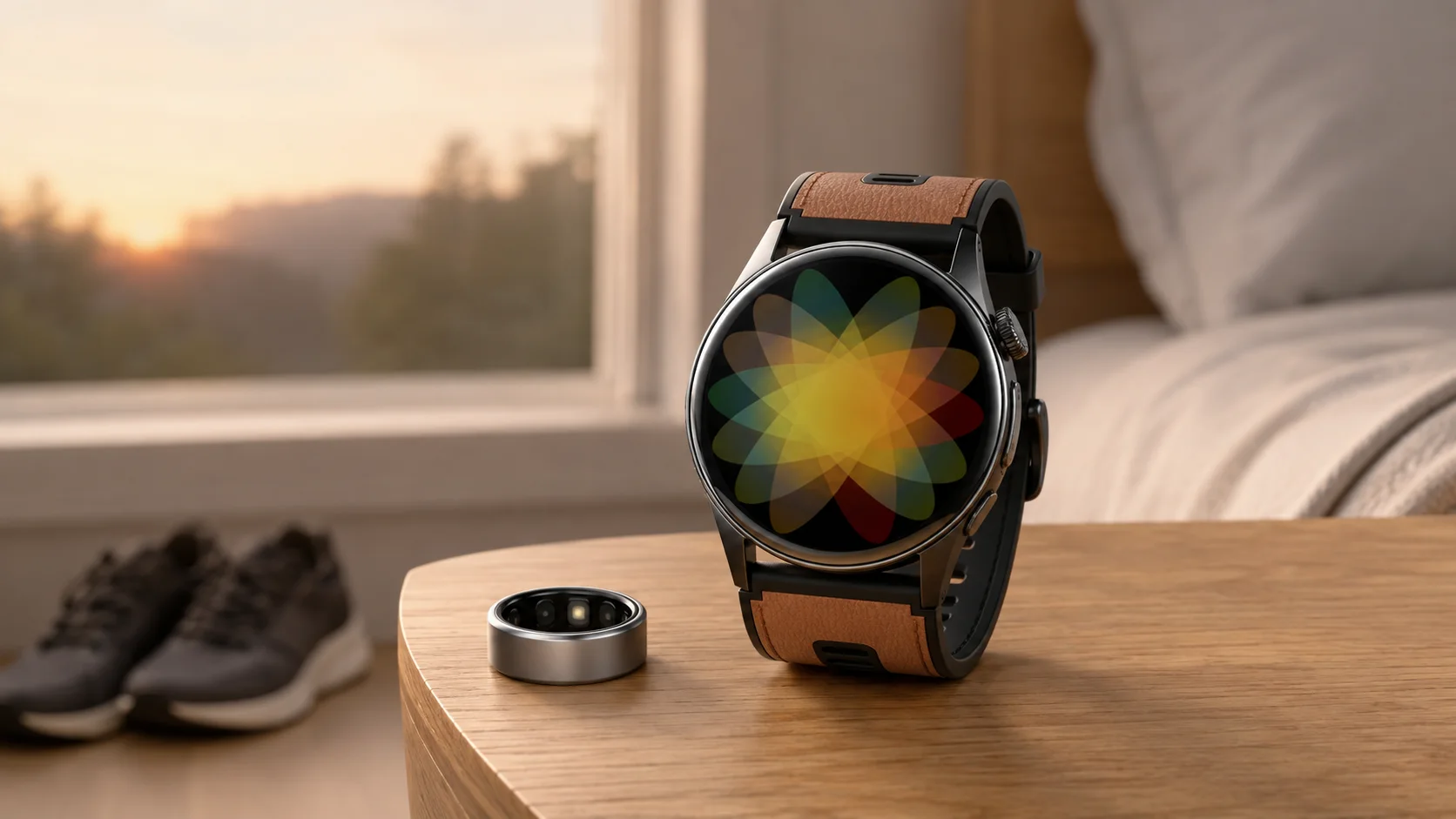
The “using two wearables for different jobs” conversation starts with a practical question: does wearing a smart ring at night and a smartwatch for workouts create more useful insight? The honest answer depends less on the number of devices and more on whether each device has a clear role. Two streams of information can add context, but they can also create duplicate records, charging chores, and dashboards you rarely review.
At SAYDIAN, we think the better starting point is your routine. Decide what you want to notice, when you want to wear each device, and which app will be your main reference. For people who prefer a full display and activity controls during the day, the W9 can serve as the watch side of that arrangement. Its 1.56-inch AMOLED display is designed for a clear glance, while multiple activity modes let you choose an activity and review progress.
Why “Using Two Wearables for Different Jobs” Is Resonating
A ring and a watch occupy different places in daily life. A low-profile ring may feel natural when someone wants minimal interruption overnight. A watch offers a larger visual surface when checking information, choosing an activity, or moving through a busy day. That difference can make a two-device setup feel purposeful rather than excessive.
Still, adding a second device does not automatically make the picture clearer. If both devices record the same period, their totals may not match. Algorithms, fit, wear position, and app definitions can differ. Read each record as a reference from that particular device, not as two votes that must agree.
Give Each Device One Primary Role
Before buying or pairing anything, write one sentence for each device. For example: “The ring is my quiet nighttime reference. The watch is my daytime activity companion.” This simple rule reduces the temptation to compare every number.
The W9 supports this kind of daytime role with multiple activity modes, a vivid 1.56-inch AMOLED display, Bluetooth calling, NFC access, and everyday convenience tools. Those verified features make it practical to keep the watch focused on visible, interactive moments. You can select an activity, glance at the screen, and keep familiar wrist-based tools available without asking the watch to duplicate every overnight record.
Choose a Primary Dashboard
The most important decision may happen after you take the devices off. Pick one app or device as the place where you review your main trend. Let the second device provide context for its assigned job. If your ring is the overnight reference, avoid importing the same nighttime record into several apps unless you have a specific reason. If the W9 is your activity companion, use its activity views consistently rather than switching dashboards after every session.
Consistency matters more than chasing a perfect match. Review patterns over comparable days, and note obvious context such as a late evening, travel, or a different training session. The goal is a routine you can understand, not a contest between sensors.
Decide What Happens When Records Disagree
Two wearables will sometimes tell slightly different stories. Plan for that before it happens. Choose which device owns each category in your personal routine. You might rely on the ring for nighttime patterns and the W9 for selected activities. Keep the categories separate when reviewing them.
When a discrepancy appears, first check the basics: Was each device worn for the same amount of time? Was the fit consistent? Did one app define the activity differently? Was a session started manually on one device? These questions often explain why two records should not be read as direct equivalents.
Keep the Physical Routine Simple
A two-device setup has to work beyond the dashboard. Decide where each item lives, when it charges, and whether you will wear both at once. A small bedside tray can hold the ring after morning use, while the watch can be ready near your running shoes or keys. In the evening, reverse the handoff if that suits your plan.
The W9 is built for daily wear and straightforward recharging, with actual battery duration varying by use. Its curved fit and air-pump cuff design also give the watch a distinctive wrist structure. These details are most useful when they support a repeatable habit: wear, review, recharge, and return the device to the same place.
Run a Two-Week Test Before Committing
Try the arrangement for two ordinary weeks. During the first week, focus on wearing consistency. During the second, notice whether the extra information changes any practical decision. Did the ring make the nighttime routine easier to maintain? Did the watch make activity selection and progress review more accessible? Did you actually open both apps?
At the end, remove any step that feels like maintenance without value. You may discover that two devices fit naturally. You may prefer one watch for everything. Or you may alternate rather than wear both. All three outcomes are valid because the best setup is the one you will use consistently.
Where the SAYDIAN W9 Fits
For someone building a divided-role setup, the W9 makes the most sense as the visible, interactive part of the pair. The round watch has a 1.56-inch AMOLED display, multiple activity modes, Bluetooth calling, NFC access, and everyday tools. It can stay centered on daytime movement, glanceable information, and wrist interaction while another device takes a quieter overnight role.
Using two wearables for different jobs can provide broader context, but “more” becomes “better” only when the system remains understandable. Assign roles, choose one main dashboard, expect differences, and keep charging simple. If a second device adds clarity without adding friction, the pairing is doing its job.
Explore the SAYDIAN W9 and decide whether a display-first smartwatch belongs in your two-device routine.